

Virtual Assistant Jobs That Pay $25+/Hour — How to Get Started Today
If you want a flexible job that pays well, works around your life, and doesn’t need a fancy degree, virtual assistant jobs are a smart path. The best news? Many clients are happy to pay $25+/hour for organized, reliable help. In this step-by-step guide, you’ll learn what a VA does, the exact skills to focus on, where to find high paying virtual assistant jobs, and how to land your first client fast — even if you’re a beginner.
This is a practical, no-fluff walkthrough with templates, checklists, and action items. Bookmark it. Come back to it. Follow the steps. Your first $25/hour client can be much closer than you think.
Table of Contents
- What Is a Virtual Assistant?
- Why Demand Is Rising (and Why $25+/hr Is Realistic)
- $25+/Hour Skills: What Clients Actually Pay For
- High-Paying VA Niches & Services
- Equipment & Job Requirements (Beginner-Friendly)
- Step-by-Step: How to Become a Virtual Assistant
- Best Platforms to Find Work (Freelance & Agencies)
- Build a Standout VA Resume & Portfolio (Templates)
- Outreach & Pitch Templates (Get Replies Fast)
- Pricing Strategy: Hourly vs Packages vs Retainers
- Common Mistakes That Kill VA Careers
- Income Growth: From $25/hour to $5k+/Month
- FAQ — Virtual Assistant Jobs & Careers
- Conclusion & Next Steps
What Is a Virtual Assistant?
A virtual assistant (VA) provides remote admin, creative, or technical support to businesses and entrepreneurs. Tasks range from inbox and calendar management to social media, content formatting, customer service, invoices, and research. You work from home (or anywhere), choose clients you enjoy, and set a schedule that fits your life.
Typical day-to-day tasks include:
- Email triage, labeling, and templated responses
- Calendar scheduling and meeting prep
- Social media scheduling (Buffer, Hootsuite, Meta Business Suite)
- Formatting blog posts, basic SEO on-page checks
- Customer support via chat or helpdesk
- Light bookkeeping, invoicing, and follow-ups
- Basic design in Canva and document preparation
Why Demand Is Rising (and Why $25+/hr Is Realistic)
Online businesses are booming. Solo founders, creators, agencies, and local businesses all need help with repeatable tasks. Hiring a VA is cheaper than hiring a full-time employee and far faster than trying to do everything alone. That’s why high paying virtual assistant jobs are common in 2025 — especially if you position yourself with the right skill stack.
Here’s the simple math: If you save a client 10 hours per week and help them keep customers happy (or bring in more leads), paying you $25–$40/hour is a no-brainer.
$25+/Hour Skills: What Clients Actually Pay For

You don’t need every skill on Earth. You need a focused set of abilities that create visible results. Start here:
Email, Calendar & Client Comms
- Inbox rules and labels; reply templates
- Scheduling tools (Calendly, Google Calendar) and meeting notes
- Professional tone and fast response time
Social Media Operations
- Scheduling & queue management (Buffer, Later)
- Repurposing content; basic reels and short edits
- Comment moderation and community replies
Content & Simple SEO
- Formatting blog posts, metadata, internal links
- Image compression and ALT text basics
- Uploading content to CMS (WordPress, Webflow, Shopify blog)
Light Design & Docs
- Canva graphics, social posts, simple banners
- Slide decks, client PDFs, SOPs
Customer Support
- Helpdesk tools (Zendesk, Freshdesk, Gorgias)
- Refund logic, returns, and “make-it-right” guidelines
Bonus Upskill Areas (higher rates)
- Email marketing (Mailchimp, Klaviyo, ConvertKit)
- CRM hygiene (HubSpot, Zoho) and simple automations
- Podcast & YouTube publishing workflow
High-Paying VA Niches & Services
Specialization increases your rate. Consider these profitable VA niches:
- Creator VA: YouTube / podcast uploading, timestamps, show notes, copyright checks
- E-commerce VA: Product listings, customer service, order issues, review requests
- Real Estate VA: Showing schedules, lead follow-ups, listing paperwork prep
- Agency VA: Client reporting, project boards, invoice reminders
- Newsletter VA: Weekly broadcast prep, list cleaning, link tracking
- SaaS Support VA: Helpdesk triage, product FAQs, basic screen-recorded walkthroughs
Equipment & Job Requirements (Beginner-Friendly)

- Reliable laptop (8GB+ RAM recommended)
- Stable internet (min 20–50 Mbps)
- Headset + webcam for client calls
- Google Workspace or Microsoft 365
- Password manager (1Password, Bitwarden)
- Cloud storage (Drive, Dropbox)
Step-by-Step: How to Become a Virtual Assistant
Day 1–3: Pick a Niche & Define Offers
- Choose a niche (e.g., Creator VA or E-commerce VA)
- Create 2–3 clear service packages (Starter, Standard, Pro)
- Write outcomes, not tasks (e.g., “inbox to zero daily,” “publish 3 videos/week”)
Day 4–7: Prep Your Assets
- One-page portfolio (about, services, testimonials if any)
- Case-style bullets (e.g., “cut response time from 12h to 2h”)
- Upwork/Fiverr profile or simple landing page
Day 8–14: Apply & Pitch
- Apply to 5–10 roles daily on platforms (see list below)
- Cold outreach to 2–5 businesses/day (email or LinkedIn)
- Use the pitch templates below
Day 15–21: Interview & Trial
- Offer a paid 5–10 hour trial week
- Deliver quick wins within 72 hours
- Track tasks; send a brief weekly report
Day 22–30: Close a Retainer
- Pitch a monthly retainer (e.g., 40 hours at $1,200–$1,600)
- Offer add-ons (newsletter, reels, support coverage)
- Ask for a testimonial and referral
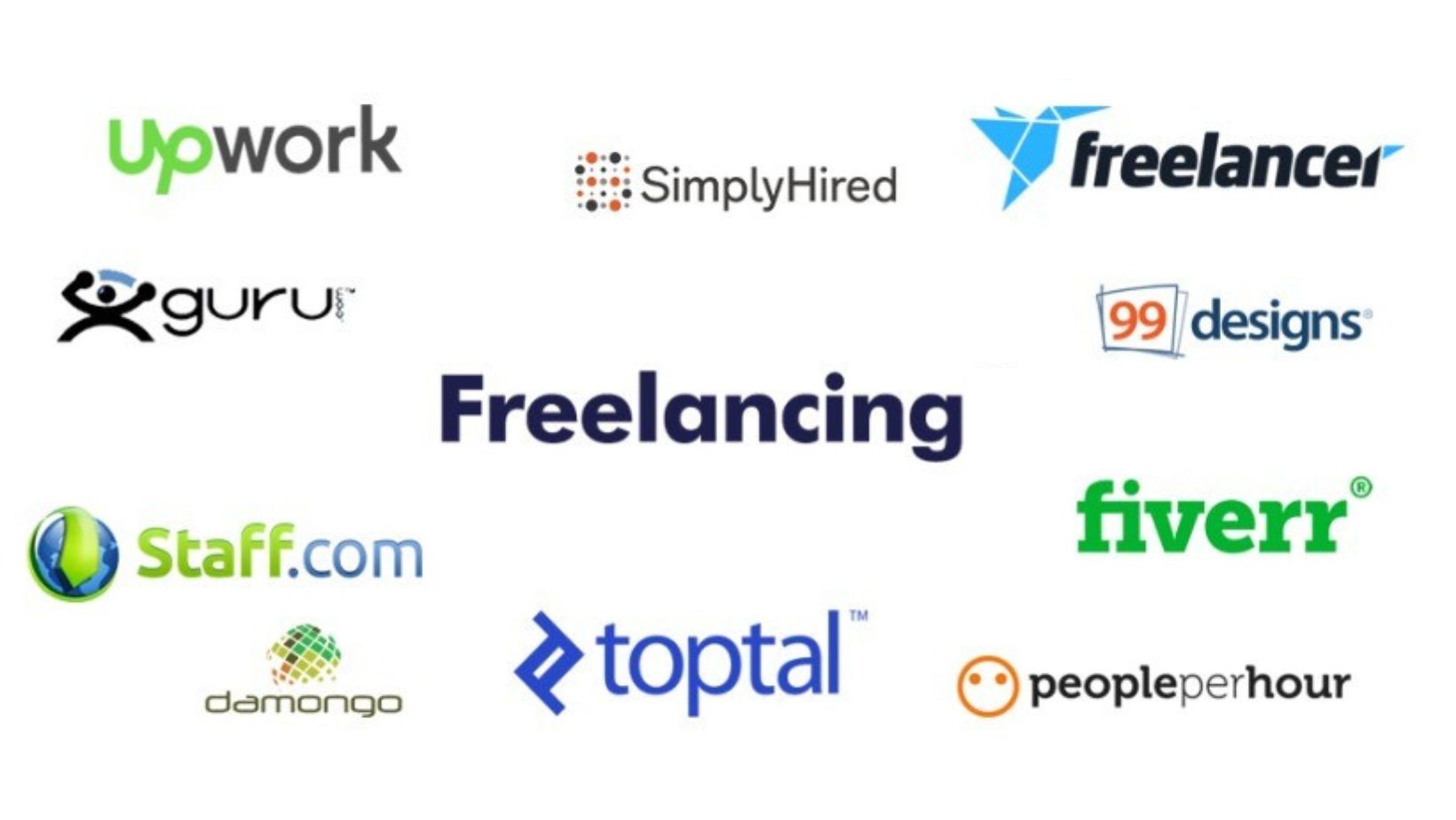
Best Platforms to Find Work (Freelance & Agencies)
- Upwork — Search “virtual assistant,” “executive assistant,” “social media VA”
- Fiverr — Productize offers: “Inbox Zero VA,” “Podcast Publishing VA”
- Belay — Reputable VA agency with steady clients
- Time Etc — Flexible part-time virtual assistant jobs
- Indeed — Daily alerts for “remote virtual assistant”
Build a Standout VA Resume & Portfolio (Copy-Ready)
One-Page VA Resume (Template)
NAME LASTNAME — VIRTUAL ASSISTANT
Email | Phone | City, Country | LinkedIn | Portfolio URL

SUMMARY
Organized virtual assistant specializing in inbox triage, calendar ops, and social scheduling.
Help creators and small businesses save 10+ hours/week. Tools: Google Workspace, Slack,
Canva, Trello, Buffer, Mailchimp. Available 20–30 hrs/week.

CORE SKILLS
• Email & calendar management  • Social media scheduling  • Customer support
• Canva design & docs          • Basic on-page SEO       • Research & data cleaning

RELEVANT EXPERIENCE
Freelance Virtual Assistant (Jan 2024–Present)
• Managed founder inbox from 400+ unread to inbox zero daily; set up rules & canned replies.
• Scheduled 15–20 calls/week; created meeting briefs; improved response time from 12h to 2h.
• Built content calendar; scheduled 60+ posts/month via Buffer; tracked CTR & engagement.

EDUCATION / CERTS
B.A. (or relevant) | Courses: Email Marketing Basics, Canva Design Fundamentals

TOOLS
Google Workspace, Slack, Zoom, Trello, Asana, Notion, Buffer, Later, Mailchimp, HubSpot (light)
Mini Portfolio Section (Add to Site or PDF)
- Case 1 — Inbox Zero: Reduced 500 unread emails to zero in 48 hours; created rules & 8 canned replies.
- Case 2 — Social Scheduling: 90-day calendar; 3 posts/day; 22% engagement lift.
- Case 3 — Support Helpdesk: First-response time from 10h to 1.5h; CSAT 4.8/5.

Outreach & Pitch Templates (Use As-Is)
Short Cold Email (General)
Subject: Quick help to get your inbox to zero this week?

Hi {{Name}}, I help founders and creators save 10+ hours/week by
handling inbox triage, scheduling, and social publishing.

Quick wins I can do in Week 1:
• Get your inbox to zero and set 6–8 canned replies
• Build a simple content queue for the next 14 days
• Prepare meeting briefs so you show up ready

If you're open, I can start with a 5-hour paid trial this week.
– {{Your Name}}, Virtual Assistant
Portfolio: {{URL}} | Available: {{hours/week}}
Platform Proposal (Upwork/Fiverr)
Hello {{Client}}, I’ve helped busy founders clean up inboxes,
tighten calendars, and keep social feeds active with zero overwhelm.
I can deliver your top priorities in 72 hours:

• Inbox rules + canned replies + daily summary
• Calendar buffers + templates for meetings
• 2-week social queue + captions (Canva assets ready)

Happy to start with a small paid trial. – {{Your Name}}
Pricing Strategy: Hourly vs Packages vs Retainers

Hourly (Simple for starters)
Good for ad-hoc work and trials. Common range: $20–$35/hour depending on scope and time zone.
Packages (Great for clarity)
- Starter ($299/mo): Inbox triage + 5 hrs support
- Standard ($599/mo): Inbox + calendar + 12 hrs support
- Pro ($1,199/mo): Inbox + calendar + social scheduling + 25 hrs support
Retainers (Stable income)
Offer 40–60 hours/month at a preferred rate (e.g., 40×$30 = $1,200). Add overage hours at a premium (e.g., $35–$40/hr).
Common Mistakes That Kill VA Careers
- Trying to do everything: Pick 1–2 niches; speak to clear outcomes.
- Slow replies: Same-day responses win jobs and keep them.
- No reporting: Send a weekly summary of wins, blockers, next steps.
- Underpricing: Cheap rates attract the wrong clients. Start near $25/hour if you deliver outcomes.
- Weak onboarding: Use a simple SOP: tools access, meeting cadence, priorities, deliverables.
Income Growth: From $25/hour to $5k+/Month
1) Specialize & Productize
Turn recurring work into named packages. Build a waitlist. Raise rates every 2–3 new clients.
2) Add Related Services
- Support → Support + Knowledge Base
- Social scheduling → Repurposing + Engagement
- Email triage → CRM hygiene + sequences (with oversight)
3) Move to Retainers
Pitch monthly retainers with clear SLAs. Offer quarterly planning. Create an onboarding doc you reuse.
4) Build Referral Engines
After 30 days of wins, ask clients for a testimonial and 1 referral. Incentivize with a discount on the next invoice.
Frequently Asked Questions
1) Can beginners really earn $25/hour as a VA?
Yes. If you package clear outcomes (inbox zero, content scheduling, support coverage) and show quick wins in a trial, $25/hour is realistic even early on.
2) What are the best beginner virtual assistant jobs?
Inbox triage, calendar management, simple social scheduling, content formatting, and basic customer support are beginner-friendly and in high demand.
3) Do I need a certificate to become a VA?
No. Clients care more about reliability, communication, and outcomes. Courses can help, but results and references matter most.
4) Should I charge hourly or by package?
Start hourly for trials. Move to packages or retainers for stable income and higher effective hourly rates.
5) Which platforms hire VAs with no experience?
Upwork and Fiverr allow beginners to build a track record. Agencies like Belay and Time Etc prefer experience, but you can qualify with the right portfolio.
6) How do I avoid scope creep?
Write clear deliverables. Track hours. Use a change-request note when new work appears. Clients respect pros who set boundaries.
7) What time zone issues should I plan for?
Set expectations in onboarding. Offer overlap windows. Use async tools (Loom, Notion, Trello) to keep work moving.
8) How fast can I get my first client?
If you apply daily and send targeted pitches, many beginners land a trial within 2–4 weeks. Speed comes from volume + relevance + quick replies.
Conclusion & Next Steps
Virtual assistant jobs are one of the fastest ways to start earning $25+/hour online. You don’t need a degree. You need clear offers, consistent action, and a simple system. Pick your niche, use the templates above, and apply or pitch daily for the next two weeks.
Quick start checklist:
- Choose a niche + 3 packages
- Publish a one-page portfolio
- Apply to 5–10 roles daily
- Send 2–5 targeted cold emails daily
- Offer a paid trial → close a retainer
Want more? Check our tutorials on freelancing, remote work best practices, and client onboarding. Save this guide and share it with a friend who needs a flexible job today.